
Why sharing a wishlist isn't always enough
A text-message wishlist is useful because it tells friends and relatives what you would enjoy. But it doesn't answer an important question: if two people like the same idea, how do they coordinate without telling you what they're buying?
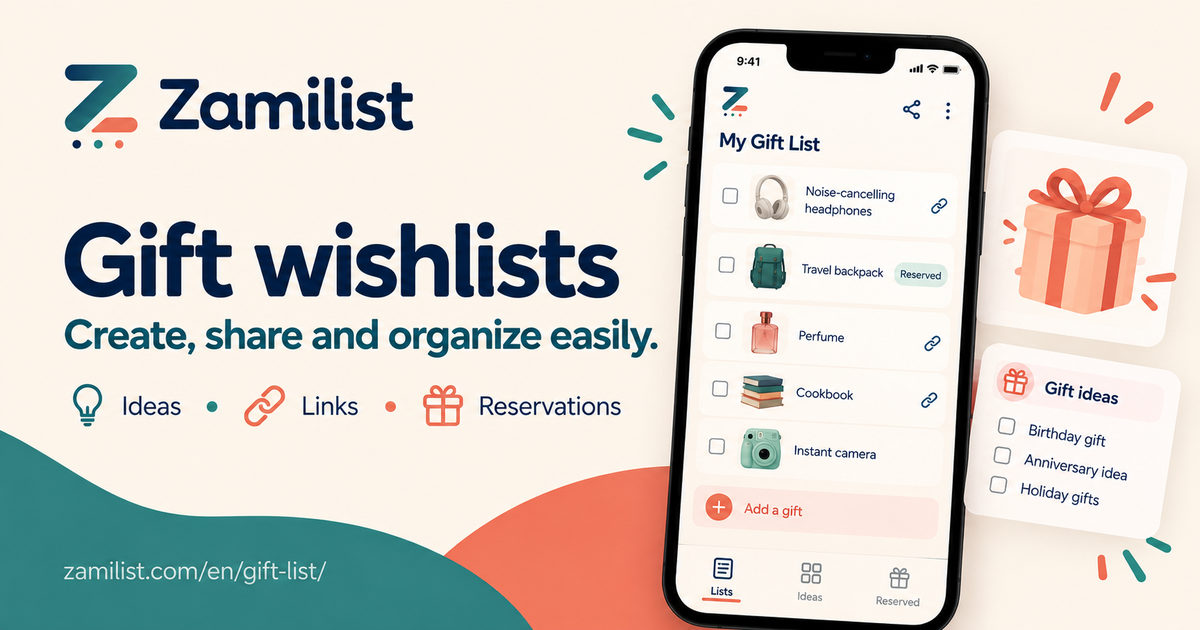
A better approach separates the gift ideas that are visible to everyone with your link from the reservations that are kept hidden from the wishlist creator.
What makes a useful gift wishlist?
- Specific product names. "Bluetooth headphones" might be too broad. Include the model or color when it matters.
- A product link. This helps gift-givers find the intended size, edition or model.
- An approximate price. It gives friends and family a sense of budget without making the price a promise.
- A short note. Clothing size, preferred shade or a practical detail can prevent awkward guessing.
- Several price ranges. Offering different choices makes it easier for people with different budgets.
Three example gift ideas
🎧 Bluetooth headphones · Black · Link to the preferred model
📚 Cookbook · English edition · Approximate price
🧣 Winter scarf · Navy blue · One size
Add gift ideas from a product link
Found something you like in an online store? Open Zamilist’s gift wishlist creator, paste the HTTPS product link and click “✨ Fill in from the link.” Zamilist then tries to retrieve the product name, photo and price automatically, when the retailer allows it.
Always check the suggested details before adding the gift. Some stores block product-page access, and some details may be unavailable. Prices displayed in another currency are not automatically converted to Canadian dollars.
If product lookup doesn't work, you can still add the gift. Keep the product link and manually enter the name, an approximate price and any useful notes about size, color or model. A photo is optional.
Example: a smartwatch spotted online
1. Paste the smartwatch link into the “Gift link” field.
2. Click “Fill in from the link” to try importing its name, photo and price.
3. Review the details, fill in anything missing and add the watch to your wishlist.
How do private gift reservations work?
With Zamilist gift wishlists, you create your list and share a link. Guests can browse your ideas without registering. To see which gifts have already been reserved and to reserve one themselves, they sign in to a free account using a verified email address.
Signed-in guests can choose an available item, helping to avoid duplicate gifts. The creator's view does not reveal which gift was chosen or who chose it. That keeps the coordinating information with the gift-givers, not the person receiving presents.
Good to know: visitors who are not signed in cannot see reservation status. This helps prevent a wishlist creator from discovering their gifts just by opening a private browsing window.
A simple plan for birthdays and Christmas
- Start a few weeks before the occasion and include several ideas.
- Check product links occasionally; stock and prices can change.
- Share one wishlist URL instead of sending revised versions through text messages.
- Add or remove ideas as your preferences change.
- Let guests coordinate through reservations instead of reporting their choices back to you.
Frequently asked questions
Is making a wishlist free?
Yes. Creating, sharing and reserving gifts are available without a Zamilist Plus subscription.
Do my relatives need my account details?
No. Send the link. Guests who want to reserve gifts use their own free account with a verified email.
Can the creator see who reserved gifts?
No. The creator's account doesn't display which gifts were reserved or who reserved them. An optional setting can display only the total number of reserved ideas.
Ready to try it?
Start with your own items. You can use the essential features for free.
Create my free gift wishlist →Organizing groceries too? Read the other guide →